



Platform / Logotype
Logotype
The Bitwards logo consists of the Bitwards symbol, text, and The Access Company slogan.
There are three versions of the logo, as well as a vertical version that includes the slogan. The symbol in the logo represents a key profile. One point of the profile represents one bit or a one-time use digital credential on which Bitwards access control technology is based.
Logo colors
Colored: Night Sky. Use colored logos whenever possible.
White. White symbol is used on a dark background.
Black. Used only in black and white prints and printed materials. Avoid using black for digital media.
Minimum sizes
The Access Company logo
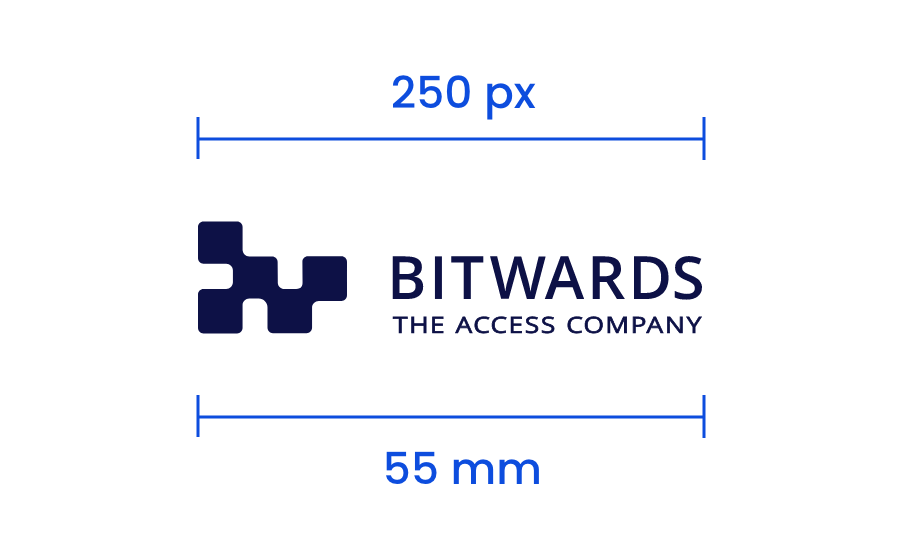
Use this version of the logo whenever possible depending on the available space.
- For digital displays, a minimum width of 250 pixels is recommended.
- For printed material, the minimum width for the logo is 55 mm.
- Ensure that “The Access Company” text is easily legible. Increase the logo’s size if the text is hard to read, or switch to the vertical version or the basic logo.
Vertical The Access Company logo
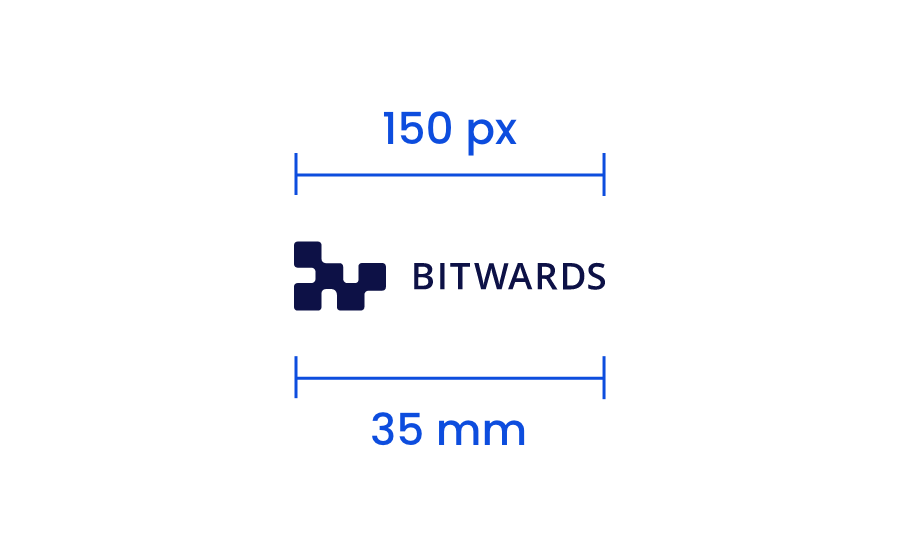
- For digital displays, a minimum width of 150 pixels is recommended.
- When printed, the minimum width for the logo is 35 mm.
- Make sure that The Access Company text is easily readable. Increase the size of the logo if the text is not clear or switch to the basic logo.
Bitwards basic logo
- In digital displays, the minimum width for the basic logo is 150 pixels.
- When printed, the minimum width for the logo is 35 mm.
Bitwards symbol
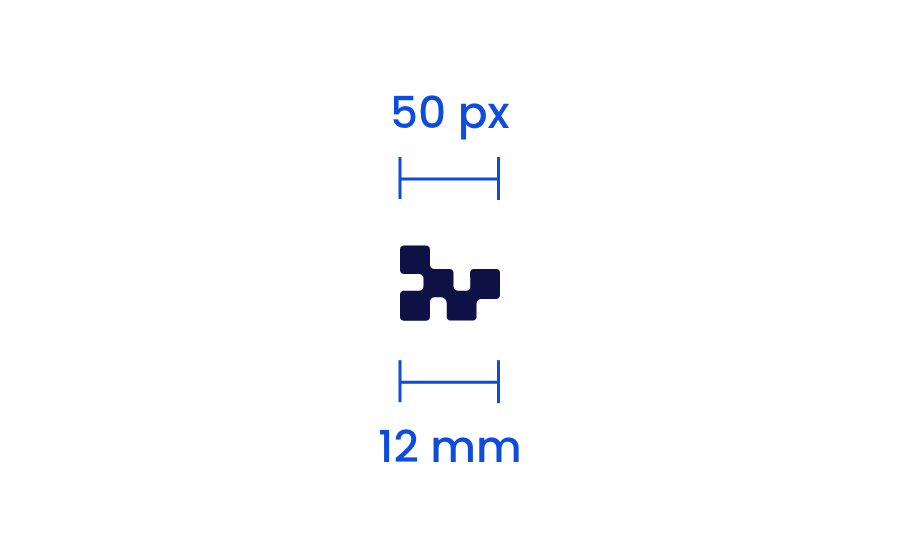
The symbol is used for social media profile pictures, video watermarks, and digital channels such as website favicons. The symbol should be used sparingly and thoughtfully.
For digital displays, the minimum recommended width for the symbol is 50 pixels.
In print, the minimum recommended width for the symbol is 12mm.
Safety areas
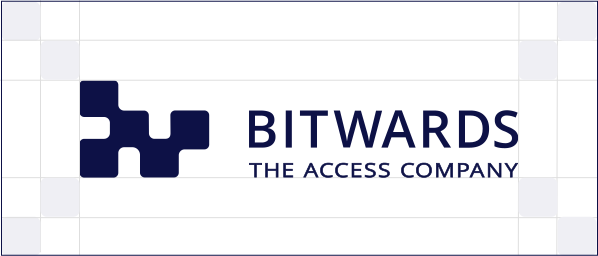
When using the logo, the designated safety area must be followed. Other elements cannot be used inside it. The size of the safety area for the Bitwards logo is determined by the height and width of one of its points – the Bitwards bit.
In a small size, the absolute minimum safe area is one “bit” high and wide. Whenever possible, it is advisable to leave a larger safe area so that the logo has more space around it and does not get lost among other elements.
In a large size, the safe area for the logo is twice the height of the “bit” as measured from the outermost points of the logo in each direction.
How to use the logos
Always use original files for the logo! Place the logo anywhere in the document as long as the above mentioned requirements are met. Make sure the quality i.e. resolution of the logo is sufficient. Always use the correct original logo. Stretching, editing and use of effects are prohibited.
Invalid usage
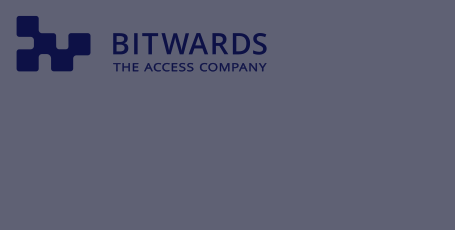
The dark logo is on a dark background. The logo does not stand out from the background, the contrast is not achievable. Additionally, the safety area is too small.
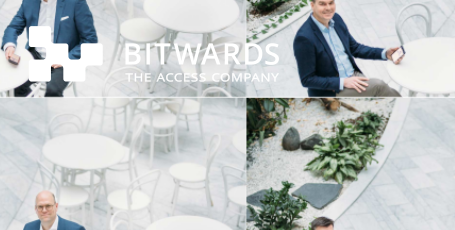
The white logo doesn't stand out at all from the light background image. The slogan text on the logo is also unreadable due to its size.
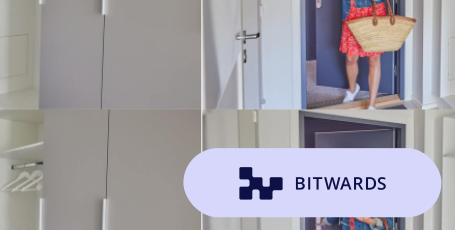
The logo has been placed on top of a detachable element. A separate background should not be created for the logo. The background color is not part of Bitwards color palette.
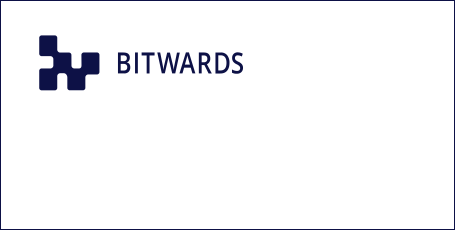
The proportions of the logo are distorted as if it has been compressed.
The symbol of the logo is made with different color than texts. The entire logo should be one color: NIght Sky/black or white.
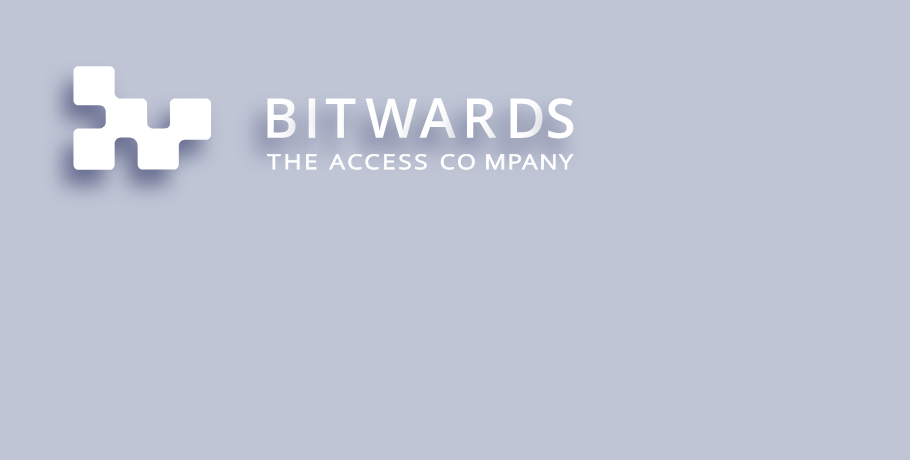
The logo is not allowed to be edited in any way: the use of effects such as drop shadow, glowing, and other 3D effects are not allowed.