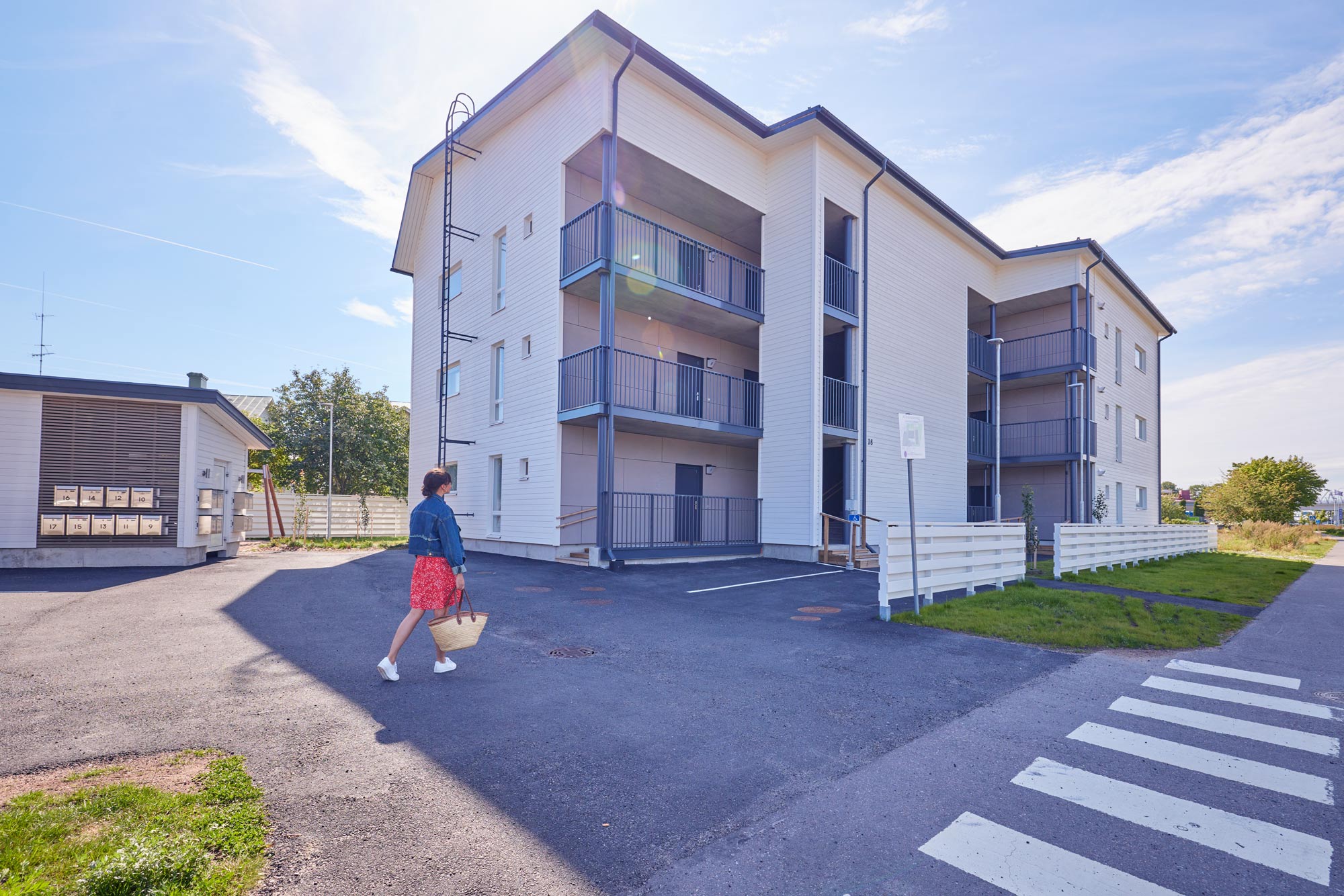
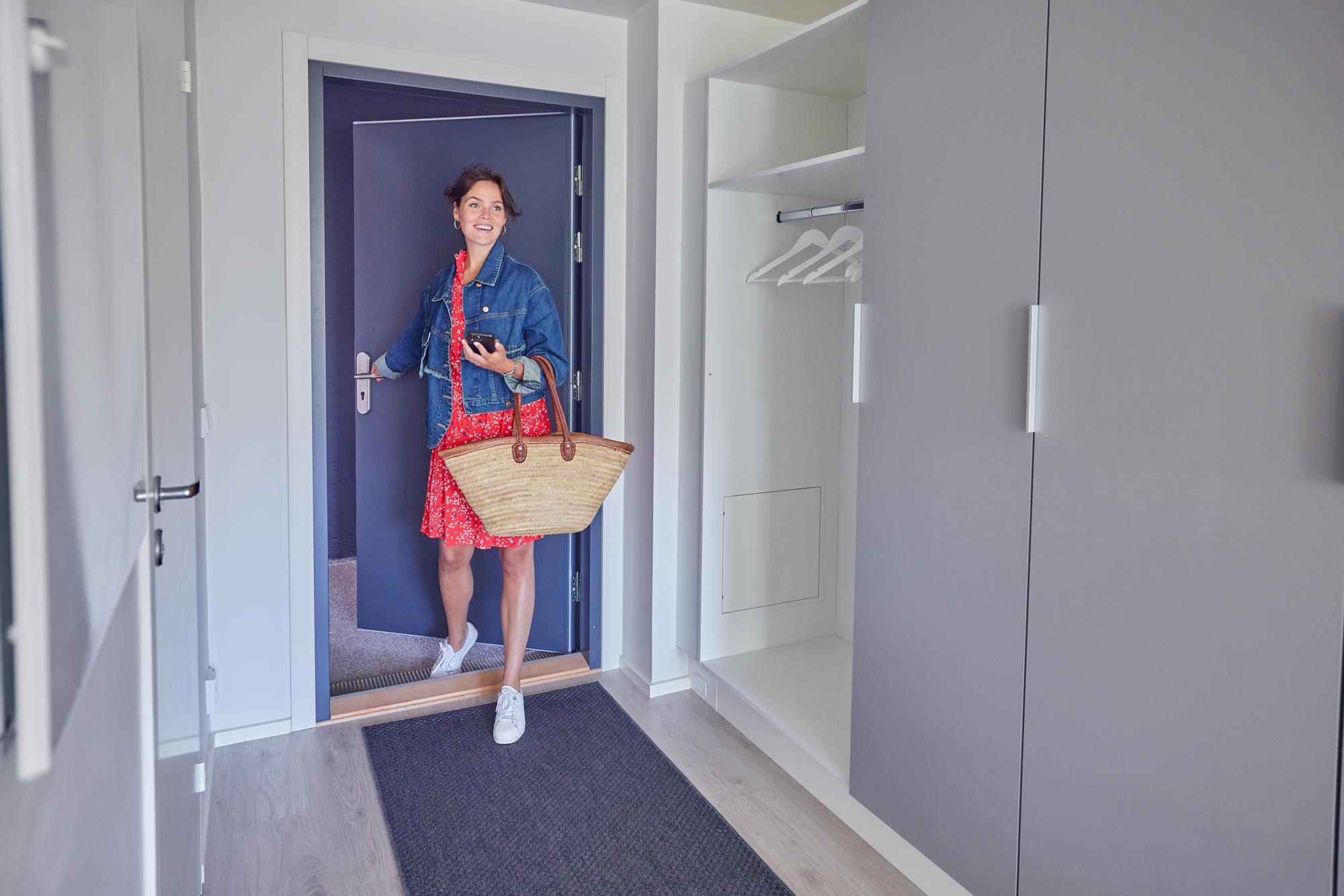
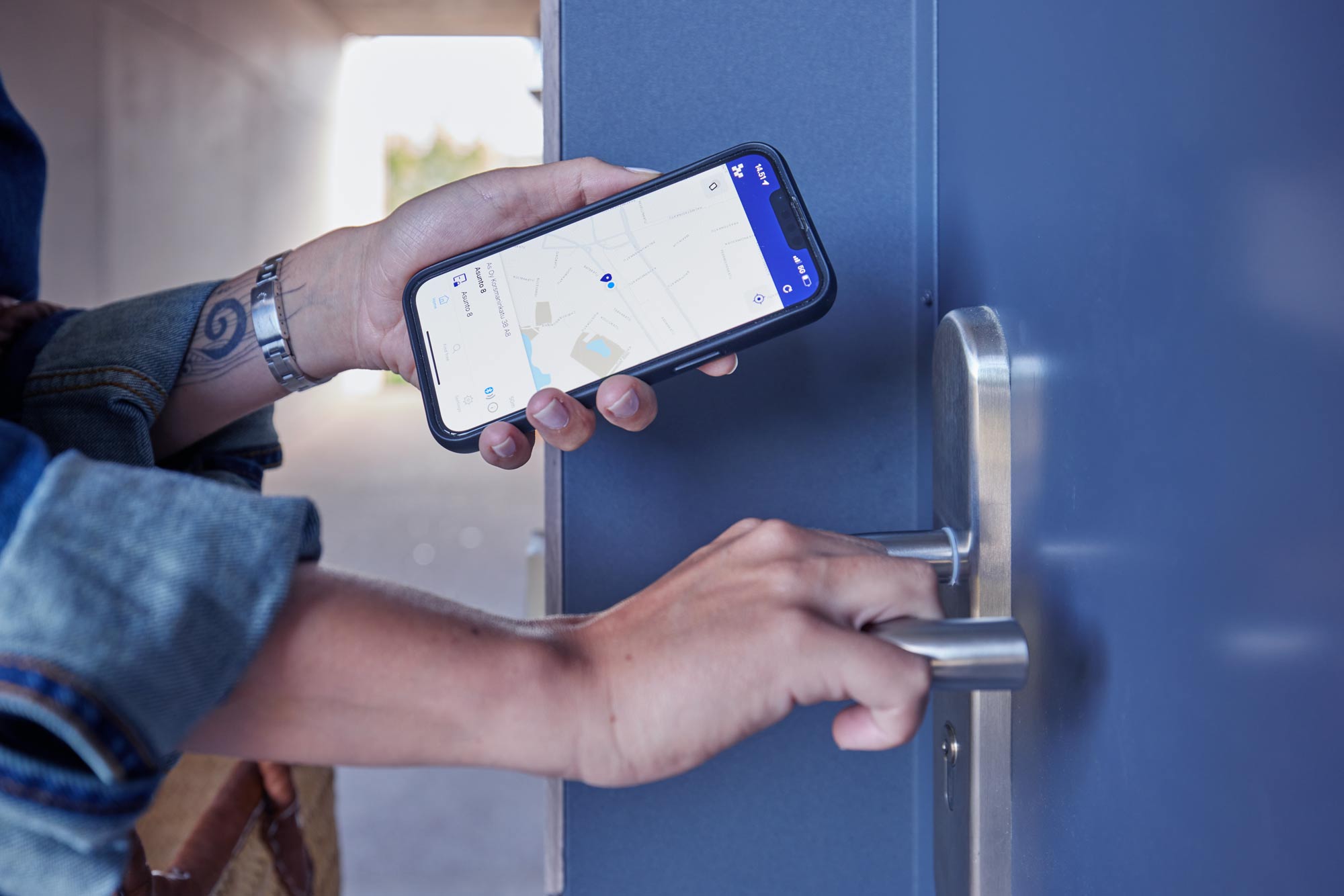
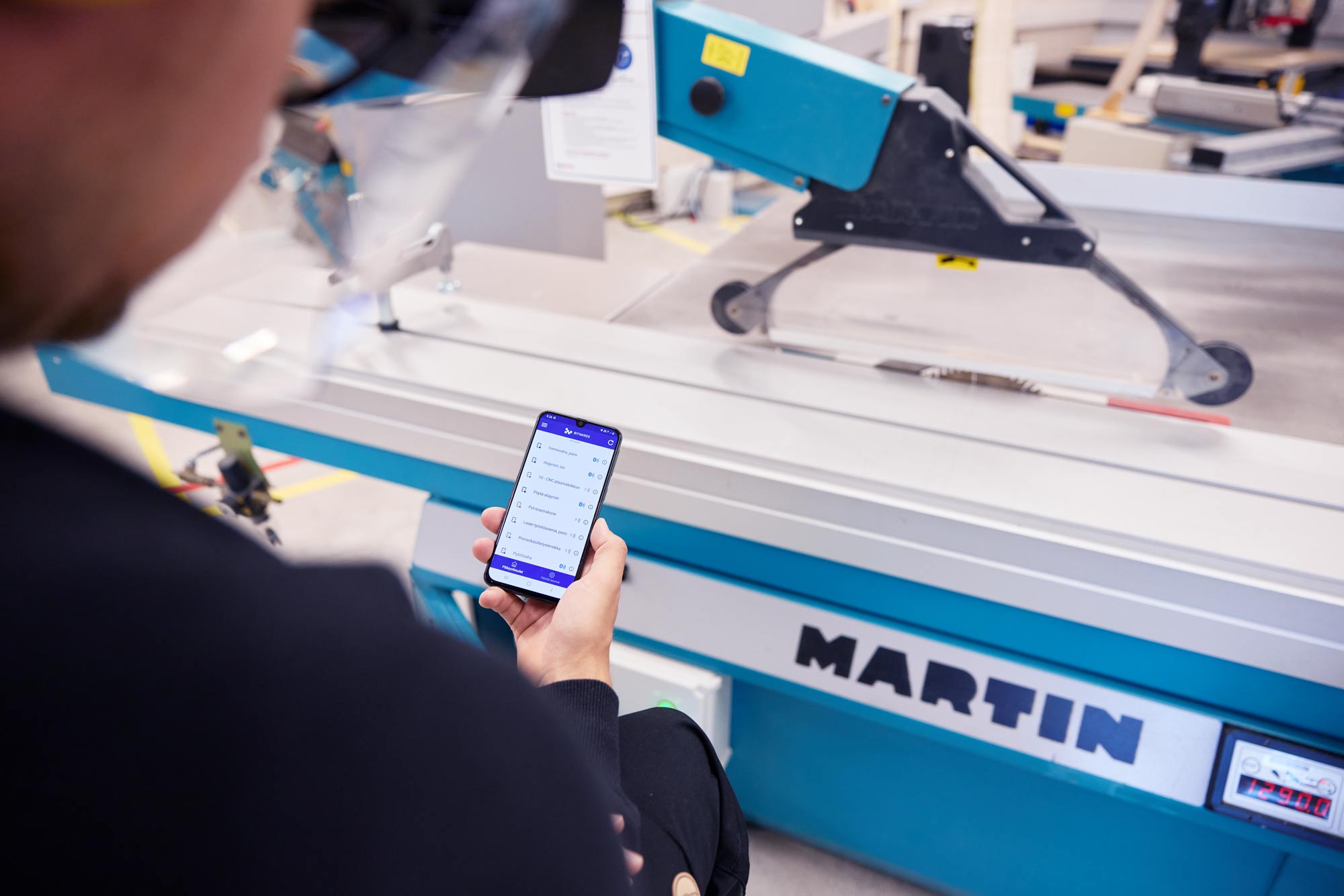
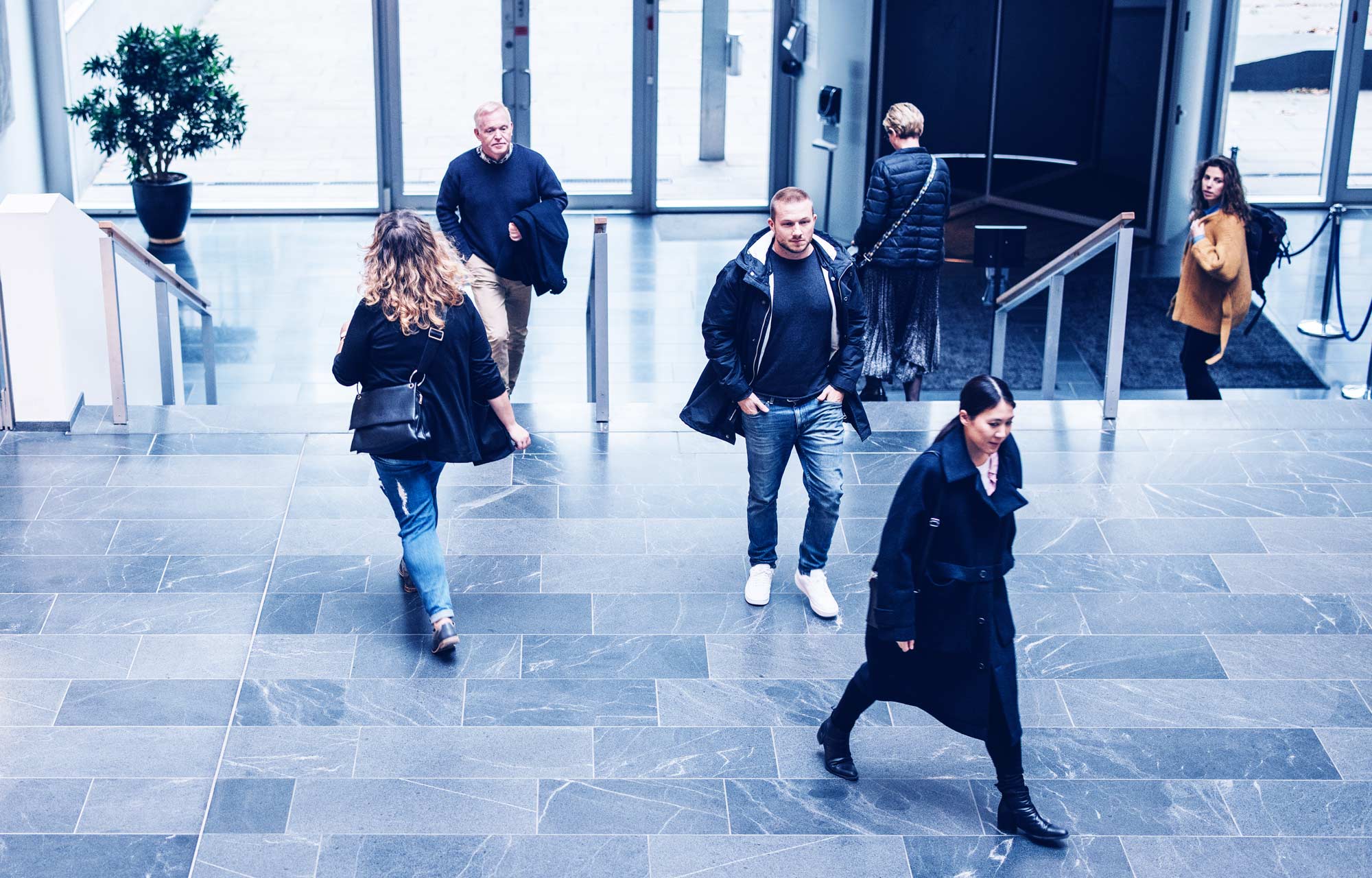
The image selection showcases Bitward’s different access and usage management services and solutions. The image choices provide a clear picture of the everyday situations in which Bitward’s technology provides a solution and how.
Photography style
Human. The images feature people and action as much as possible.
Positive and confident. The images show smooth and easy usage. Additionally, they convey confidence in the system.
Modern. Bitwards is a pioneer, so the visual storytelling is modern. The images are clear – not too many details.
Honest and reliable. Avoid staging and posing. This way, we can demonstrate honesty and credibility through visual means.
Lots of movement in the images. Bitwards’ solutions are about streamlining access control, making people’s movement easier.
Various locations & devices. In addition, through visual storytelling, we want to emphasize that Bitwards’ solutions are suitable for any location, both old and new.
Image types
The Bitwards image concept consists of various types of images that create a comprehensive view of Bitwards’ technological solutions. The concept focuses on the use of four image types:
1. Wide general images, which reveal the industries and locations where Bitwards is used (e.g., an office building from a distance with people present). These images can be taken from above, if possible, to showcase the extensive and versatile technology platform and network.
2. Person in action images: illustrate usage scenarios (e.g., a person opening a closet door to hang their coat).
3. Close-ups depict details of door environments, devices, and the mobile application.
4. Series of images or video compilations that clearly exhibit the versatility and ease of use of Bitwards
Colors & hues
In photographs, a soft and neutral color scheme is preferred, which is natural and authentic. A clear and cohesive image collection is achieved through consistent colors and tones.
It is recommended to remove any yellowness and add more blueness to the images to better fit with the other elements in the collection.
Photo themes
1. Solutions
Private spaces
Public spaces
Devices & machines
2. Door environments & locking systems
Exterior doors: mechanical and electronic
Interior doors: mechanical and electronic
Cabinet doors, device locks, padlocks
3. The Bitwards Mobile & web applications in different usage situations.
Mobile Access service (mobile app)
Universal Mobile ID (mobile app)
The Bitwards access control panel (web app)
Photo examples
The situation of everyday life with movement. An overview of a modern public space. Shot from above angle.
The Bitwards Mobile access solution is easy to use. The tone of the message is positive.
Close-up image showing the Bitwards mobile application being used in an interesting location (parking garage entrance).